
Fabric & Power BI Capacity Economics — Part 1 of 2
I get asked some version of this question on almost every Fabric engagement: “we are interested in moving to Fabric, at what point does that make sense?” The real answer is always “it depends”, but there is a rule of thumb and exact number of pro licenses where it makes economic sense. This post is the math I’ve now walked through with enough clients that it earned its another writeup.
The short version
- Every Power BI user already holds some license — Free, Pro, or Premium Per User. Free is normally not enough to view content.
- On a large enough Fabric capacity (F64 or bigger), the Free license everyone already has becomes sufficient to view reports — so you stop needing to buy Pro for people who only view.
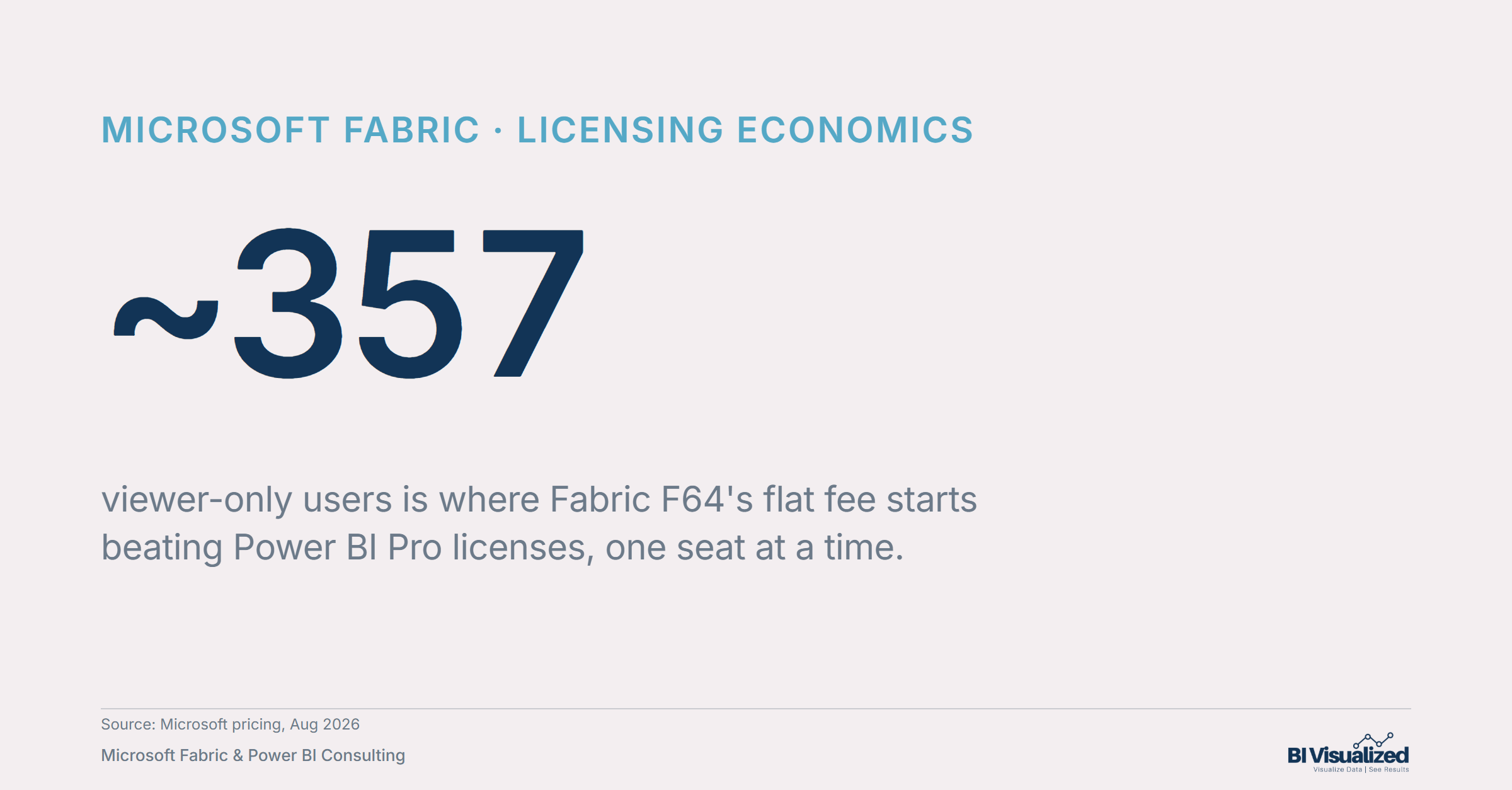
- The economic breakeven is ~357 viewer-only users: below that, per-seat Pro is cheaper; above it, Fabric’s flat fee wins and every additional viewer costs nothing more. Note: this is only considering license math/economics, there are other many other benefits to fabric which are bundled in and can skew that number even lower.
- This is a hard SKU floor, not a “big enough” guideline — it only kicks in at F64 and above, with no partial credit on F2/F4/F8/F16/F32.
The breakeven, in one line
Power BI Pro runs $14/user/month. Note: some companies have other discounted rates established with Microsoft or partners; the math holds– just substitute your rate to calculate the break even. A reserved Fabric F64 capacity runs roughly $5k per month (though Microsoft’s own pricing calculator is region-gated, so treat it as a range rather than a bare figure). Set those equal and solve for headcount:
Below ~357 viewer-only users, paying per seat is cheaper. Above it, the flat capacity fee wins outright — and it doesn’t move no matter how many more viewers you add.
Two worked examples
Two scenarios, both at 500 viewer-only users — the difference is whether you’re already carrying Fabric spend below F64:
What this doesn’t cover
Three things worth being precise about, because they’re where this math gets misapplied:
Beyond the license math: why move to F64 at all
The license math above only counts what you save on Pro seats. It ignores what F64 actually unlocks. Some of these are hard walls on Pro that no amount of licensing fixes:
The pattern
None of this changes the ~357-user breakeven math — that’s a pure licensing calculation. But it’s the reason clients well below that line sometimes move to F64 anyway: the model-size ceiling, the refresh cap, or Direct Lake’s near-Import speed without an Import-mode refresh cycle can matter more than the license bill.
Whenever a client’s user base skews heavily toward “people who just look at a dashboard” rather than “people who build and maintain it,” it’s worth running this math before assuming Pro-per-seat is the only option. The crossover point depends on your actual viewer count and whether you’re already carrying capacity spend below F64 — but the formula is the same every time: compare the flat fee to the per-seat total, and check whether your reports are actually hosted where the free-viewer benefit applies.
Part 2 covers the other half of this decision: once you’re on Fabric, should that capacity be reserved for a year or paid by the hour — and how does your architecture (where reporting lives relative to background jobs) change the answer?
Curious whether your org is past the ~357-user line, or whether a hybrid setup would serve you better? Book a discovery call and we’ll walk your actual numbers, not the rule of thumb.
About the author
— Jake Prevost, BI Visualized | Microsoft Fabric & Power BI Consulting
References
- Power BI pricing — Microsoft (Pro per-user rate)
- Microsoft Fabric pricing — Azure (PAYGo and reserved capacity rates)
- Fabric capacity reservations — Microsoft Learn (reserved discount mechanics)
- Licenses in Microsoft Fabric — Microsoft Learn (F64 free-viewer licensing floor)
- Data refresh in Power BI — Microsoft Learn (refresh frequency and timeout limits by license/capacity)
- Power BI service description — Microsoft Learn (Pro vs. Premium/Fabric feature comparison table)
- Direct Lake overview — Microsoft Learn (Direct Lake availability and performance mechanics)
- Connect to Premium/Fabric semantic models with client applications — Microsoft Learn (XMLA endpoint read/write)
Pricing verified: August 2026. Microsoft pricing changes periodically — confirm current rates before a purchasing decision.

